Bio‑Harmony Toolkit: 5 Apps to Sync Your Meals with Your Clock

Bio‑Harmony Toolkit: 5 Apps to Sync Your Meals with Your Clock
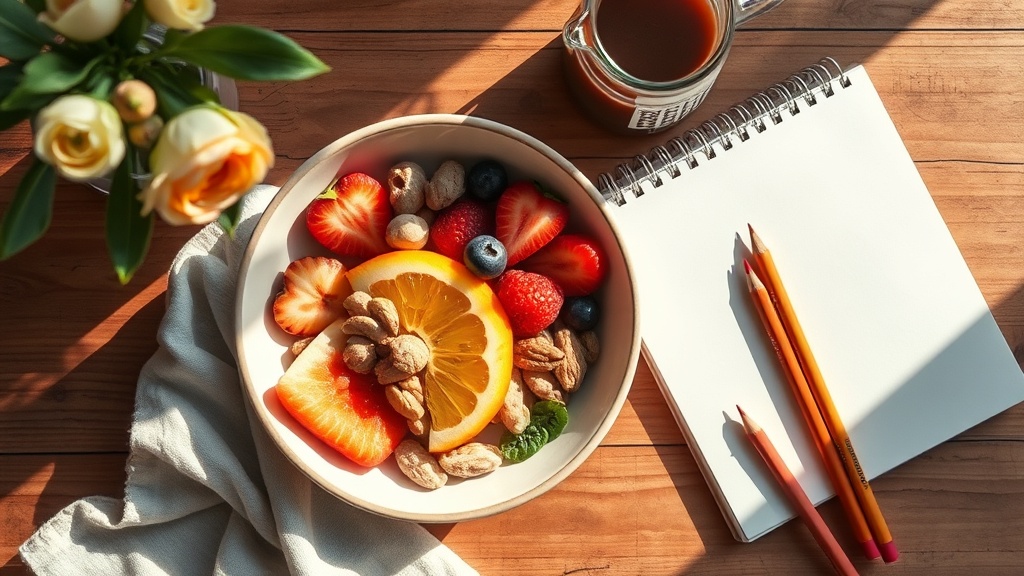
Hook: Imagine a sunrise‑filled morning where your breakfast bowl feels like it was designed by your own internal clock.
Context: In 2026, bio‑harmony isn’t just a buzzword—it’s becoming the backbone of wellness routines. While we’ve already explored eating patterns and meal‑planning, many readers ask for concrete tools to make those ideas stick. This quick‑hit guide rounds up the best apps that translate circadian science into daily plate decisions.
What does a bio‑harmony app actually do?
At its core, a bio‑harmony app tracks your sleep‑wake cycle, daylight exposure, and sometimes even body temperature to suggest optimal eating windows. The goal is simple: eat when your body is primed to digest and store nutrients. Below we break down five standout tools, each with a unique spin.
Which app suits a busy creative?
- ChronoMeal (iOS/Android) – Offers a visual “clock‑face” menu that lights up your ideal breakfast, lunch, and dinner windows based on your recent sleep data. The free tier includes a daily reminder that pops up while you’re sketching in your journal.
- SunSync Eat (Web) – Integrates with the Sunrise‑Sunset API to adjust meal windows automatically as daylight shifts throughout the year. Great for springtime when daylight hours stretch.
- RhythmBite (iOS) – Pairs with Apple Health to pull heart‑rate variability (HRV) metrics, then suggests whether to favor protein‑heavy meals or lighter carbs that night. The premium version includes a journal sync so you can log doodles alongside food notes.
- GlowPlate (Android) – Uses a simple questionnaire to build a personalized “eating rhythm” and then syncs with Google Calendar. You’ll see a gentle glow icon on your calendar blocks when it’s time to eat.
- CycleChef (Cross‑platform) – Focuses on the menstrual cycle’s impact on metabolism, overlaying circadian windows with hormone‑phase recommendations. Perfect for our community of creators who value holistic self‑care.
How do these apps differ from traditional diet trackers?
Most diet trackers count calories. Bio‑harmony apps count when you consume those calories. Studies from the Chronobiology International journal (2023) show that aligning meals with your internal clock can improve glucose regulation by up to 12% compared to eating at random times.
What should I watch out for?
- Data privacy: Some apps collect sleep data and location. Review their privacy policies—look for GDPR compliance.
- Over‑automation: Trust your body’s signals. If you feel hungry outside the suggested window, it’s okay to deviate.
- Device dependence: Most apps rely on phone sensors. If you’re often offline, keep a printed “bio‑harmony cheat sheet” in your sketchbook.
Where can I learn more about the science?
For a deeper dive, check out these trusted sources:
- National Sleep Foundation’s circadian rhythm guide
- Harvard Health’s chronotype article
- Recent review on meal timing and metabolism (2024)
Takeaway
Pick one of the apps above, experiment for a week, and note any shifts in energy, focus, or creativity in your art journal. The right tool can turn bio‑harmony from theory into a habit that fuels both health and artistic flow.
Related Reading
- Bio‑Harmony: 5 Eating Patterns to Sync With Your Circadian Rhythm
- Bio‑Harmony Meal Planning: Sync Diet with Circadian Rhythm this Spring
- 2026 Art Journal Trends: Fresh Ideas to Keep Your Pages Vibrant
Frequently Asked Questions
- What is the best time to eat breakfast according to circadian research? Usually within two hours of waking, when cortisol peaks and your digestive enzymes are most active.
- Can I still enjoy late‑night snacks? If you’re on a consistent sleep schedule, a small protein‑rich snack after your “window” won’t disrupt rhythm as much as sugary carbs.
- Do I need a wearable to use these apps? Not necessarily—most rely on manual input or phone sensors, though wearables can fine‑tune recommendations.